 jonathan warykowski
Introducing shepherd: your todos, herded
Every todo app I’ve tried wanted to own my list. A database I couldn’t grep, an account I had to log in to, a sync service I had to trust. I wanted something smaller: a board I can drive with a few keys in the terminal, backed by a file I can open in any editor.
So I built shepherd.
It’s just a markdown file
Your board lives at ~/.config/shepherd/todo.md, and it looks like this:
- [ ] (H) ship the release
  created: 10-07-2026 13:40
  due: 2026-07-15
  category: work
  tags: api, docs
- [x] buy milk
That’s the whole storage format. You can grep it, edit it by hand, diff it, commit it to git, or sync it with whatever you already use. If shepherd disappeared tomorrow, your todos would still be a readable list.
A board, not a list
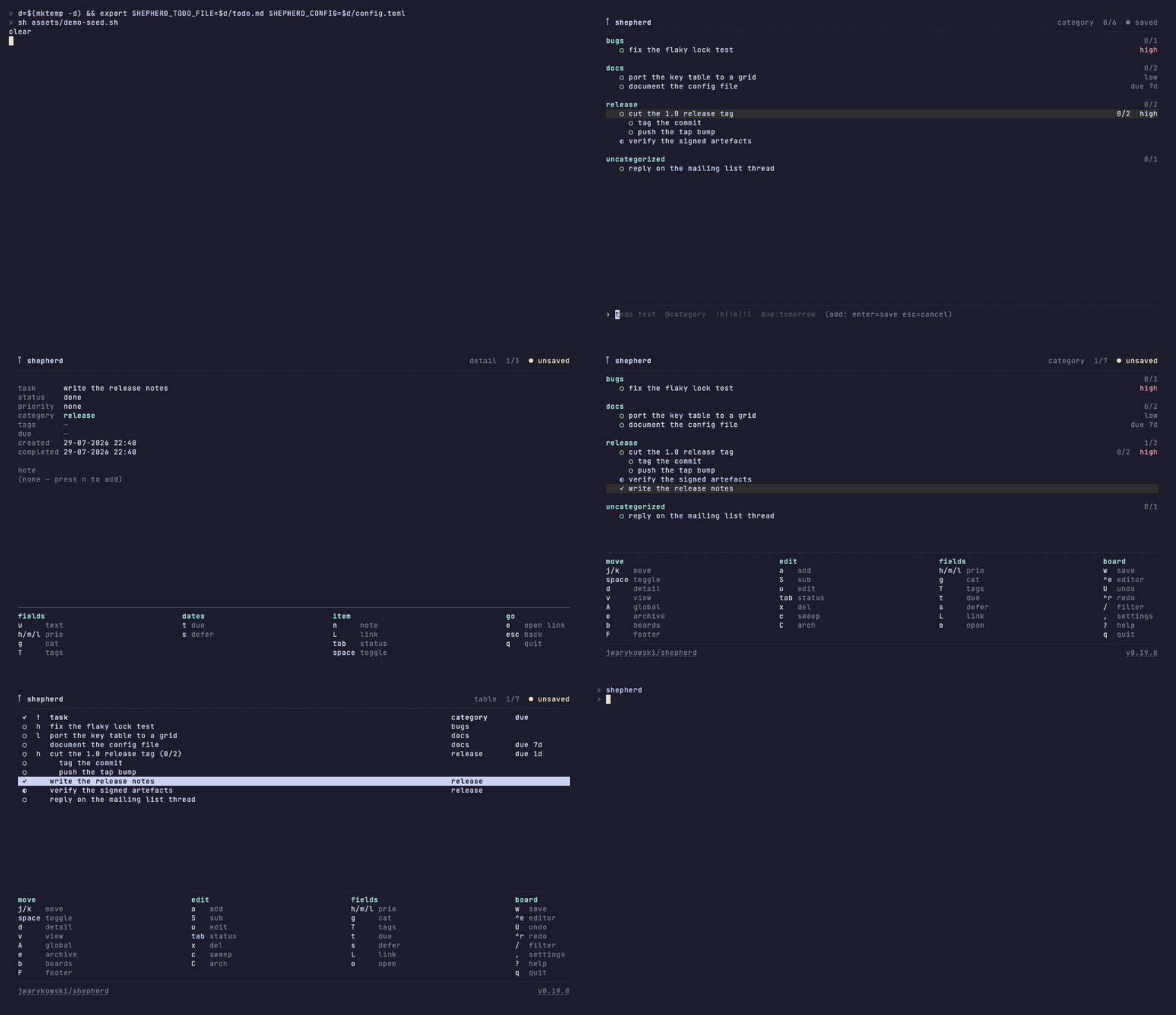
Open shepherd and you get an interactive board: items grouped by category,
then priority, then due date, with overdue items pinned to the top. Everything
is a single key: space to complete, h/m/l for priority, t for a due
date, a to add.
Adding is one line with tokens for the details:
deploy api @work #api !h due:tomorrow
That’s a high-priority work item tagged api, due tomorrow.
Where it fits
shepherd runs on its own in any terminal, and also as a plugin for herdr, my terminal workspace manager, where it opens as a split, tab, overlay or zoomed pane. There’s a Neovim plugin too, and a command line API so scripts and coding agents can read and update the board.
That last part turned out to be the interesting one, and it gets its own post later in this series.
Try it
brew install jwarykowski/tap/shepherd
shepherd
Coming up: getting started, from your first item to subtasks and filters.